Skip to content

Smart Home

Smart home gear that actually stays connected

Most smart home frustration is network frustration. Fix coverage and band steering first; the devices usually stop misbehaving on their own.

Home

Common problems and what they usually mean

Devices drop off Wi-Fi

Most likely
Weak 2.4 GHz coverage or band steering
DIY approach
Place the device during setup near the router, then relocate; consider a mesh node.
When to call a pro
For whole-house wiring or access points.
Typical cost
$0–$180 for a mesh node

Smart thermostat has no C-wire

Most likely
Older two-wire system
DIY approach
Use the manufacturer power adapter kit if supported.
When to call a pro
If the wiring is unclear or the system is a heat pump.
Typical cost
$25–$40 for an adapter

Video doorbell is dim or offline

Most likely
Insufficient transformer voltage
DIY approach
Verify the transformer rating matches the device requirement.
When to call a pro
Transformer replacement.
Typical cost
$20–$45 for a transformer

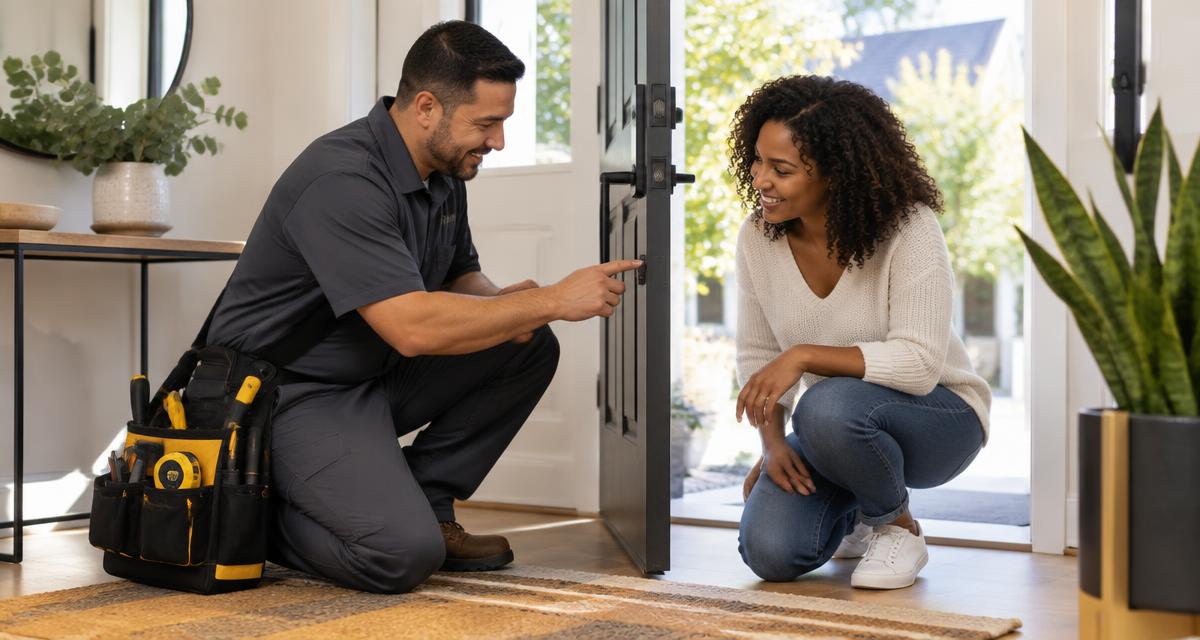
Smart lock jams

Most likely
Misaligned strike plate, not the lock
DIY approach
Adjust the strike and confirm the deadbolt throws freely by hand first.
When to call a pro
If the door itself is out of square.
Typical cost
$0

Cost ranges are planning information for the Dallas–Fort Worth area, not quotes. Only an in-person inspection by a qualified professional produces an assessment you can rely on.

Checklist

  • Name devices by room so voice control works predictably
  • Keep firmware updated
  • Use a separate network for cameras when possible
  • Record every device in a home inventory
  • Verify the manual override on every lock and garage device

Safety first

  • Turn off the breaker before touching thermostat or doorbell wiring
  • Never rely on a single connected device for life safety
  • Change default passwords immediately
Talk to a verified pro — (469) 990-0440

Go deeper for $7